logana
A fast terminal log viewer for files of any size — including multi-GB logs. Built on SIMD-accelerated line indexing, search, and filtering. Auto-detects log formats, filters by pattern, regex, field value, or date range — bookmark lines, add annotations, and export your analysis.
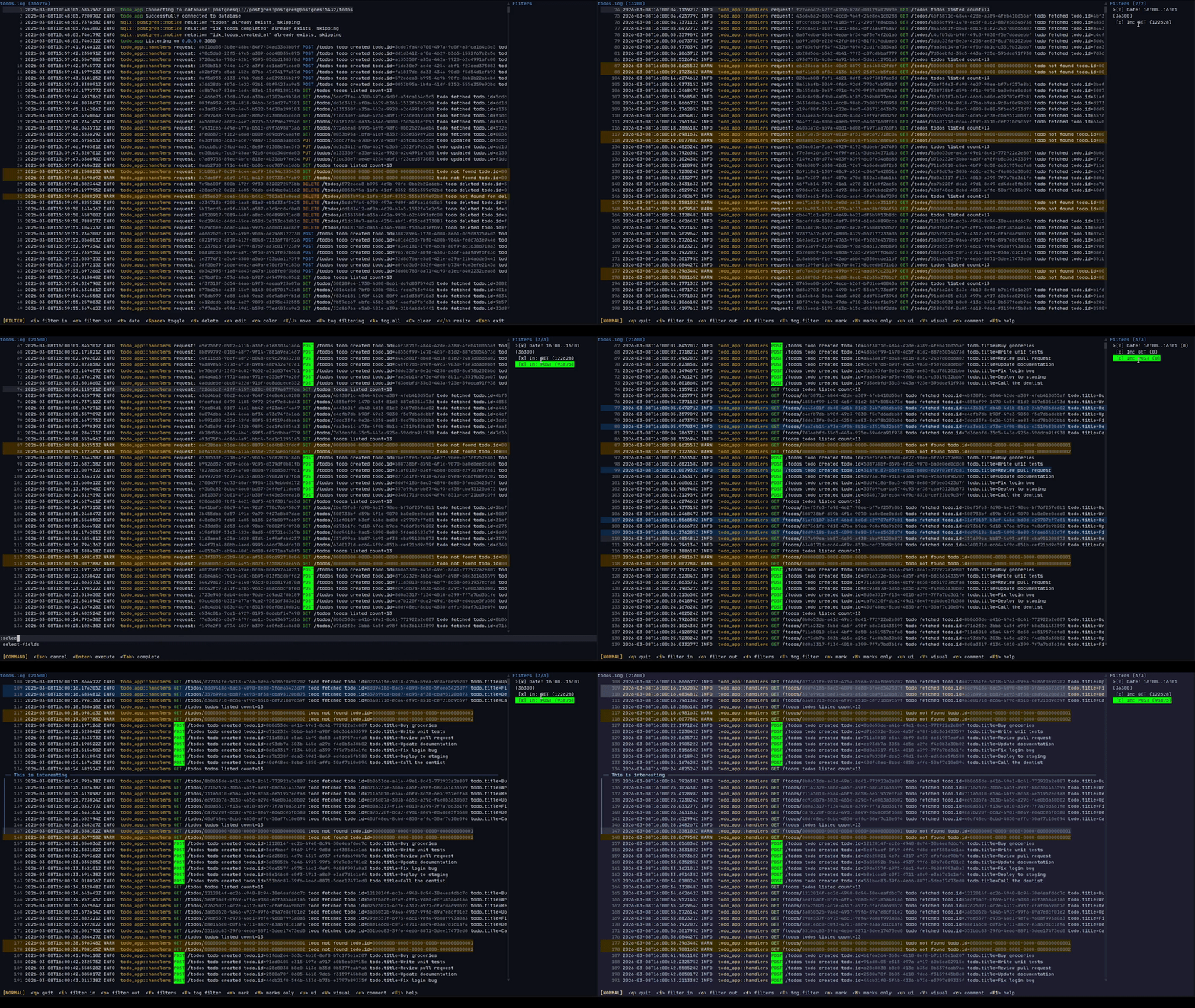
What is it for
Log files are large and noisy. logana helps you cut through them — filter down to what matters, bookmark key lines, attach notes, and export your findings. Everything is saved between sessions, so you never lose your place. Filter sets can also be saved and reused across files: once you have filters for the key messages and components you care about, loading them on a new file gives you a focused view immediately.
The typical use cases are:
-
Incident investigation — narrow down a multi-gigabyte production log to the relevant window using date-range and pattern filters, mark the key lines, attach notes explaining what you found, and export your findings to Markdown or Jira.
-
Long-running process monitoring — stream a running process or Docker container, watch it in tail mode, and flip back to filter history without losing our place.
-
Recurring log review — save a filter set for a well-known log format (e.g. “show only ERRORs from the auth service”) and reuse it the next time you need it.
What makes it different
Log format detection
logana recognises common log formats automatically — JSON, syslog, journalctl, logfmt, logback, Spring Boot, Python logging, Apache access logs, DLT (AUTOSAR), and more — and shows each line broken into columns: timestamp, level, service name, message. You can hide columns you don’t care about and reorder the ones you do, per file.
Filtering
Include and exclude filters stack freely. Include filters narrow the view to matching lines; exclude filters hide lines on top of that. Both support plain text and regular expressions.
You can also filter by time: > Feb 21 01:00:00, 01:00:00 .. 02:00:00, >= 2024-02-22. Date filters work the same way regardless of which log format is open.
Filtering runs in the background — the UI stays responsive on large files, and changing a filter cancels the previous scan immediately.
Persistent sessions
Filters, scroll position, bookmarks, and notes are saved per file and restored automatically on next open. Filter sets can be exported to a file and loaded on the command line with --filters, so the same filters work across multiple log files. Combined with --tail, the last matching line is shown immediately after loading.
Notes and export
Bookmark individual lines with m. When you want to attach context, select a range with V (line selection) or v (character selection) and press c to write a note. :export produces a document with your notes and the relevant log lines ready to share.
Navigation
Feels like vim. Full motion support: j/k, gg/G, Ctrl+d/u, //? search, n/N between matches, w/b/e word motions, f/t character find, count prefixes on all motions. All keys are configurable.
Feature Overview
| Feature | Description |
|---|---|
| Auto-detected formats | JSON, syslog, journalctl, logfmt, DLT, logback/log4j2, Spring Boot, Python, loguru, Apache CLF, and more |
| Structured columns | Timestamp, level, service, message as separate columns; show/hide/reorder per file |
| Persistent sessions | Filters, scroll position, bookmarks, and notes restored on next open |
| Include/exclude filters | Plain text or regex; include and exclude stack freely |
| Date and time filters | Limit the view to a time window or comparison |
| Background filtering | Runs in the background; changing a filter cancels the previous scan immediately |
| Startup filters | --filters loads a filter set at launch; --tail jumps to the last match |
| Notes and export | Attach comments to lines; export to Markdown or Jira with :export |
| Visual line mode | Select a line range to bookmark, annotate, copy, or build a filter from |
| Visual character mode | Select within a line using vim motions to filter, search, or copy |
| Vim navigation | Full motions: j/k, gg/G, w/b/e, f/t, count prefixes, //? search |
| Multi-tab | Open multiple files, Docker streams, or DLT connections side-by-side |
| Docker | Attach to any running container with :docker |
| DLT | Stream from a DLT daemon with :dlt, or open binary .dlt files directly |
| Value coloring | HTTP methods, status codes, IP addresses, and UUIDs colored automatically; filter colors always take priority and multiple filter styles (fg + bg) compose |
| Configurable | All keys remappable; 19 bundled themes; custom themes and export templates |